Free Online Signature Generator: Draw, Type or Upload
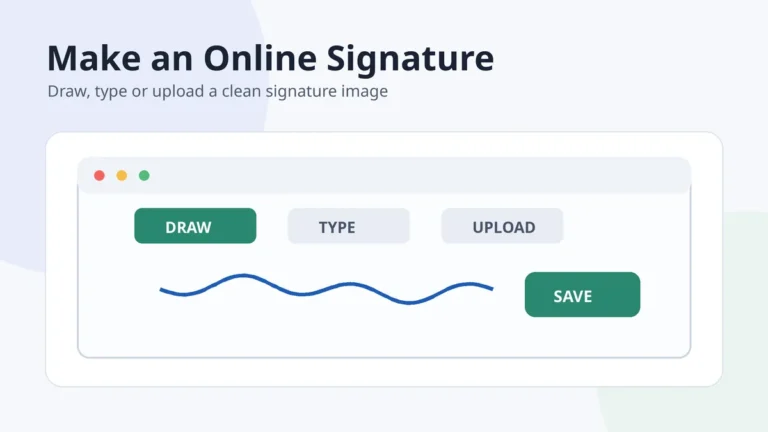
A free online signature generator should help you create a clean handwritten signature image without making the process complicated. The most useful tools let you draw with a mouse, finger or stylus, type your name in a handwriting style, or upload a signature written on paper. The result should be easy to download and reuse, ideally as a transparent PNG.
This guide focuses on creating the image of a handwritten signature. It does not treat a typed name or PNG file as a certificate-based digital signature, and it does not make legal-validity claims. For contracts or regulated workflows, use the signing process required by the organization handling the document.
In this guide
- Choose the right creation method
- Use a generator step by step
- Check image quality
- Protect your privacy
- Use the finished signature
What can a free online signature generator create?
Most generators produce a visual signature file. That file may be made from a drawing, a handwriting-style rendering of your name, or a cleaned photograph of ink on paper. Each method solves a different problem, so the best choice depends on whether you value natural movement, speed, or a faithful copy of your real pen signature.
| Method | Best for | Main trade-off |
|---|---|---|
| Draw | A natural signature made with a finger, stylus, mouse or trackpad | A mouse can create shaky or angular strokes |
| Type | Quick style exploration and comparing letterforms | The result may look like a font rather than your own handwriting |
| Upload and clean | Preserving a signature you already use on paper | The photo needs good lighting and background removal |
Choose the right way to create your signature
Draw it when natural movement matters
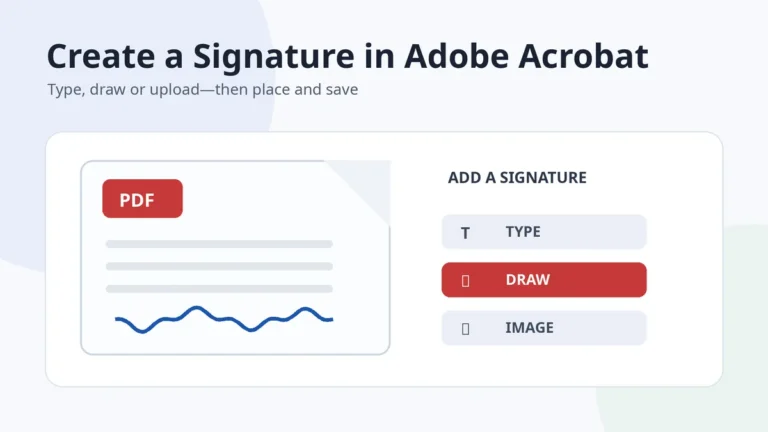
Drawing works best on a phone or tablet because your finger or stylus can follow the same movement you use with a pen. Begin with a medium stroke width, write at your normal speed, and use undo instead of slowly correcting every curve. A signature usually looks more natural when the hand keeps moving.
Type it when you are still exploring styles
Typing is useful for comparing broad directions such as cursive, minimalist, bold or elegant. Treat these previews as inspiration rather than a finished identity. Look at the capital letter, slant, spacing and final stroke, then adapt the parts you like by hand. Our guide to different signature styles explains how these design choices change the overall look.
Upload it when you already have a paper signature
Write several versions on plain white paper with dark ink, photograph the clearest one in even light, crop closely, and remove the paper background. This route preserves your real stroke rhythm. For a detailed cleanup workflow, see the signature image creator guide.
How to use a free online signature generator
- Decide on the name format. Choose a full name, first initial plus surname, initials only, or a shortened version you can repeat comfortably.
- Make three to five versions. Change one feature at a time: the opening initial, connection between names, underline, final tail or amount of detail.
- Test at real signing speed. A design that looks attractive when drawn slowly may fall apart when used repeatedly.
- Select a practical version. Check that it remains recognizable at small size and does not rely on tiny decorative marks.
- Download a transparent PNG. A transparent background lets the signature sit cleanly over document lines and different page colors.
- Keep a private master copy. Store the clean file securely and make smaller copies for routine use instead of repeatedly editing the original.
Quality checklist before downloading
- Clean edges: no white box, grey paper haze or rough pixels around the ink.
- Natural proportions: the signature should not be stretched taller or wider than the version you drew.
- Enough resolution: it should remain smooth when placed in a document at normal signature size.
- Readable focal point: at least the main initial or name structure should remain identifiable.
- Repeatable design: you should be able to reproduce the core movement without tracing the image.
- Sensible file name: use a descriptive private filename rather than uploading a file called
IMG_0047everywhere.
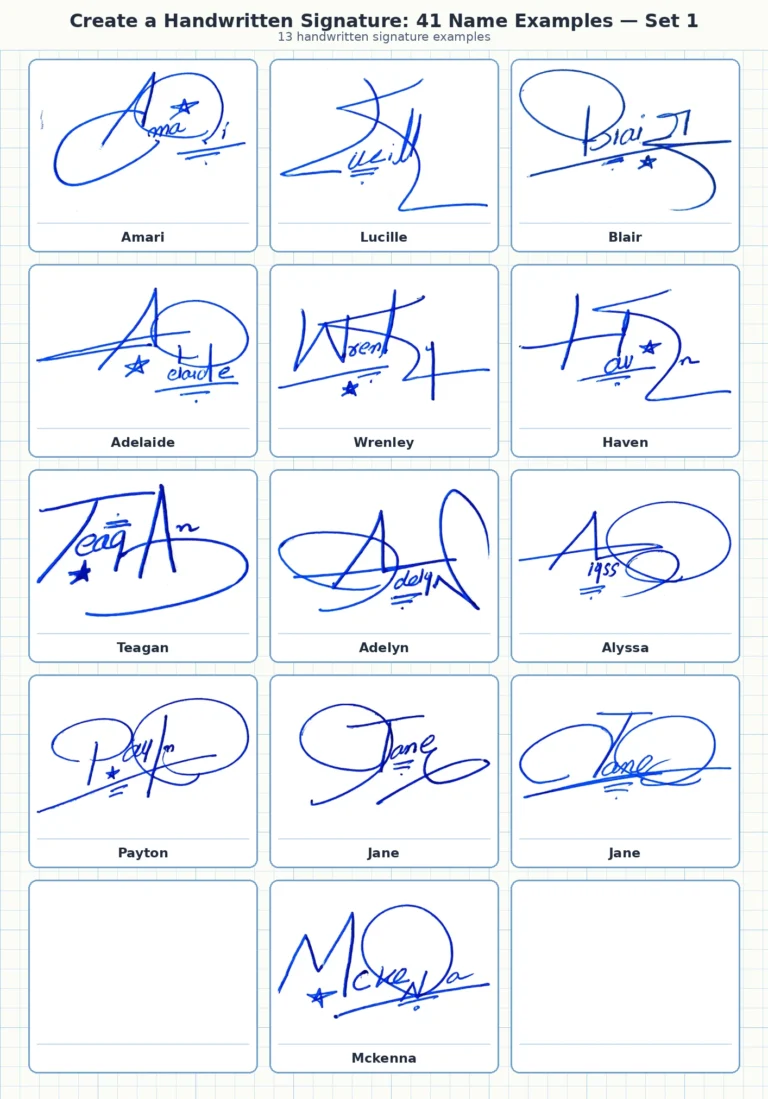
A generator can make the file cleaner, but it cannot decide whether a signature is comfortable for your hand. Before settling on a design, compare it with the handwritten signature examples for different names and practise the same movement several times on paper.
Privacy and security questions to ask
A signature image is personal. Before using any online service, check whether processing happens in your browser or on a server, whether uploaded files are retained, whether an account is required, and how deletion is handled. Avoid uploading a signature taken from a sensitive document that also shows an address, account number or other private information.
Create the signature image separately. Do not upload an entire confidential document merely to crop out the signature.
How to use the finished signature image
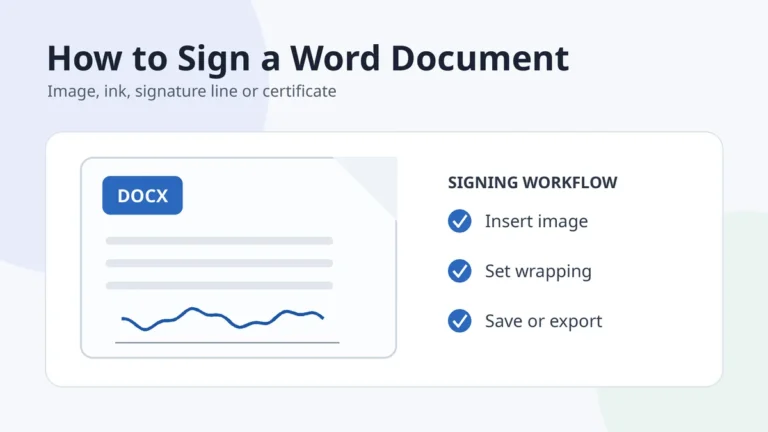
A transparent PNG can be inserted into Word, Google Docs, presentation files, design layouts and many PDF editors. Resize it from a corner so the proportions stay intact. Keep enough white space around it to prevent the signature from appearing cramped, and check the exported document at 100% zoom before sharing it.
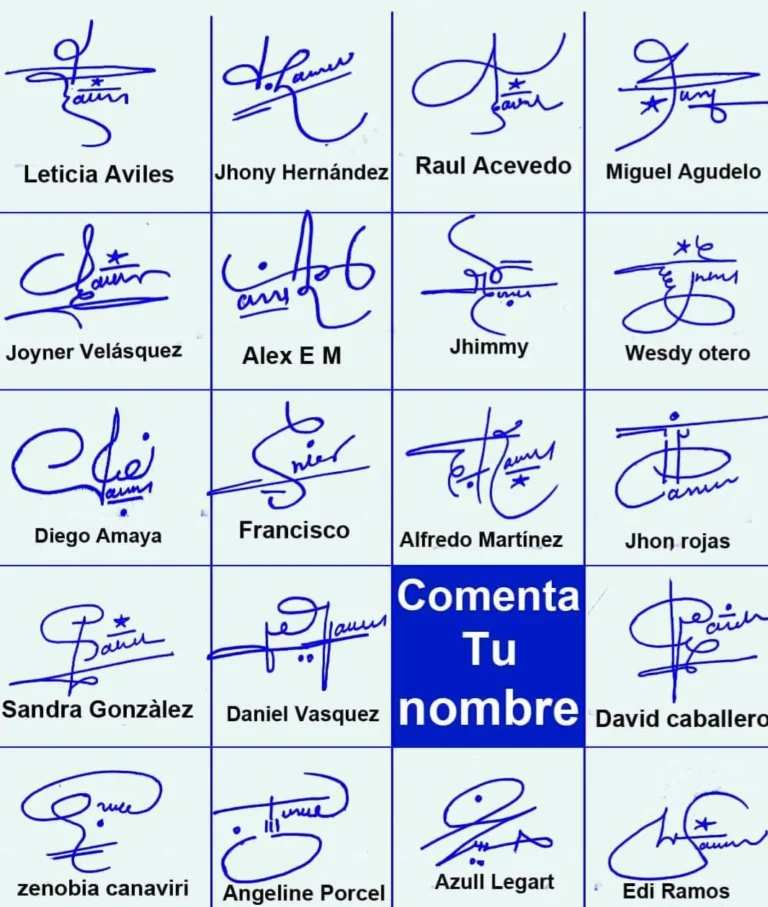
For visual inspiration, use a generator together with a gallery rather than expecting a tool to make every design decision. Start with examples, choose a structure that suits your name, practise it, and only then create the reusable image.
Frequently asked questions
Is a generated signature image the same as a digital signature?
No. A PNG or JPG is a visual image of a signature. A certificate-based digital signature uses cryptographic technology and a separate verification process. Do not use the terms interchangeably.
Should I draw or type my signature?
Draw when you want natural hand movement. Type when you want to compare styles quickly. Upload and clean a paper signature when you want the closest copy of the signature you already use.
What file format is best?
Transparent PNG is usually the most flexible format for placing a signature over a document. JPG is smaller in some cases but normally includes a solid background.
Can I create a signature on my phone?
Yes. A phone or tablet is often easier than a mouse because a finger or stylus produces smoother curves.
How many versions should I try?
Three to five purposeful variations are usually more useful than dozens of random font previews. Change one element at a time and test each version at normal writing speed.