How to Add a Signature on iPhone: Documents & Email
Add a handwritten signature to PDFs with iPhone Markup, manage saved signatures, sign scans in Notes, and set text signatures in Apple Mail or Gmail.
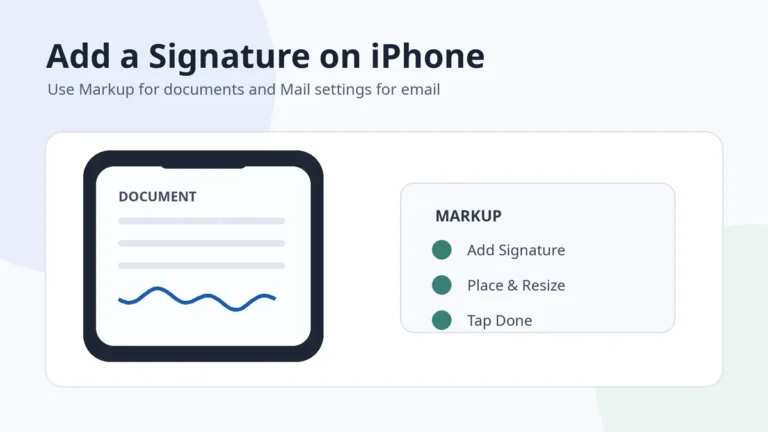
Add a handwritten signature to PDFs with iPhone Markup, manage saved signatures, sign scans in Notes, and set text signatures in Apple Mail or Gmail.
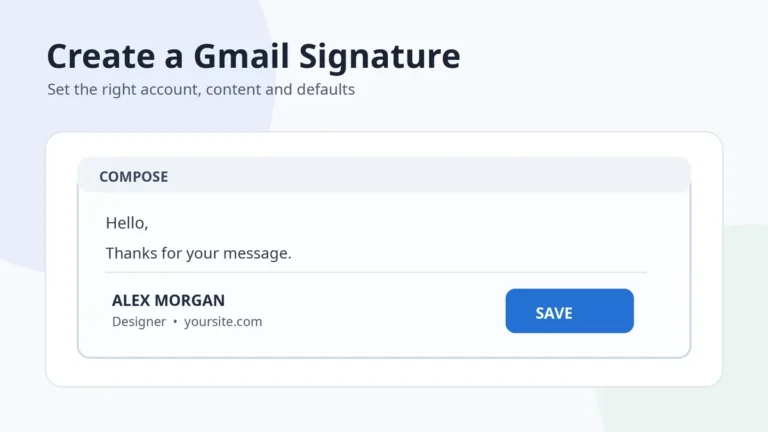
Create a Gmail signature on desktop, Android, iPhone or iPad, set account defaults, add a lightweight image and fix common display problems.
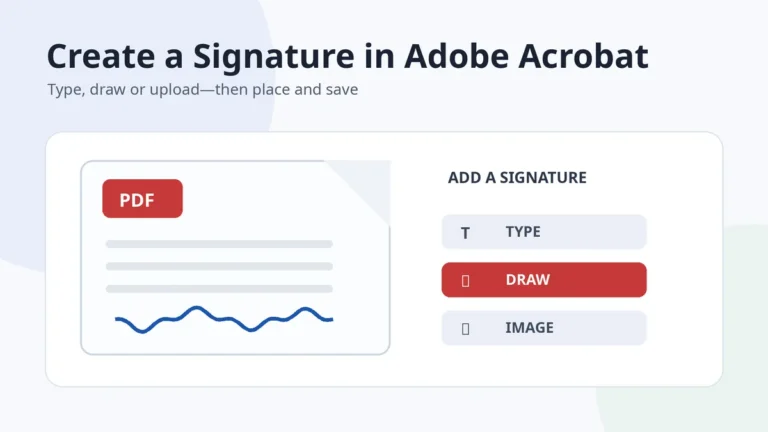
Create a signature in Adobe Acrobat by typing, drawing or uploading it, then place, resize and save it—or use a certificate when verification is required.
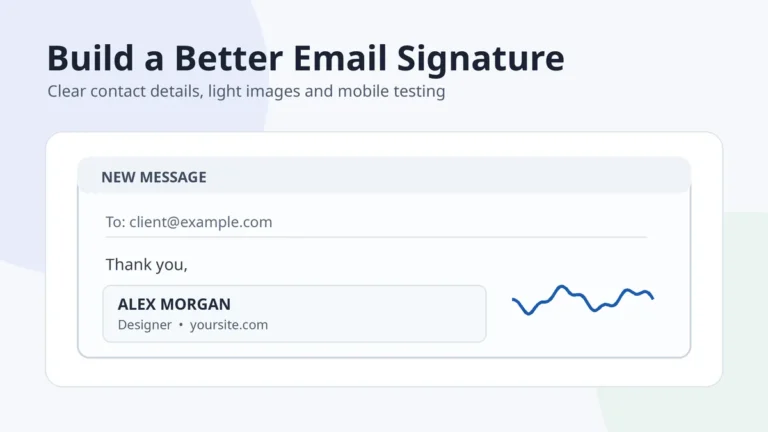
Build a professional email signature with clear contact details, a mobile-friendly layout, lightweight images and reliable testing across email clients.
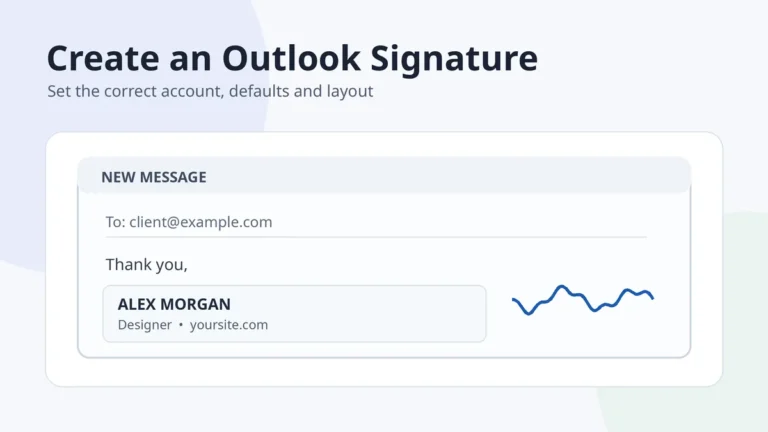
Create an Outlook email signature in new Outlook, classic Outlook, web, Mac or mobile, then set the correct account defaults and fix common issues.
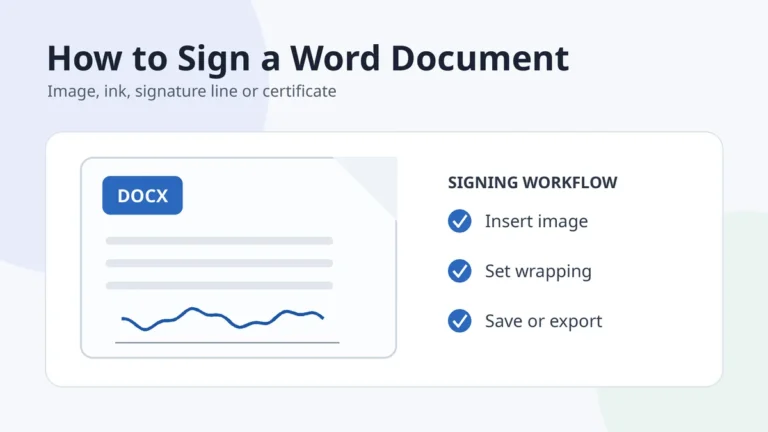
Learn how to sign a Word document with a transparent signature image, ink, a signature line or a digital certificate, and fix common layout problems.
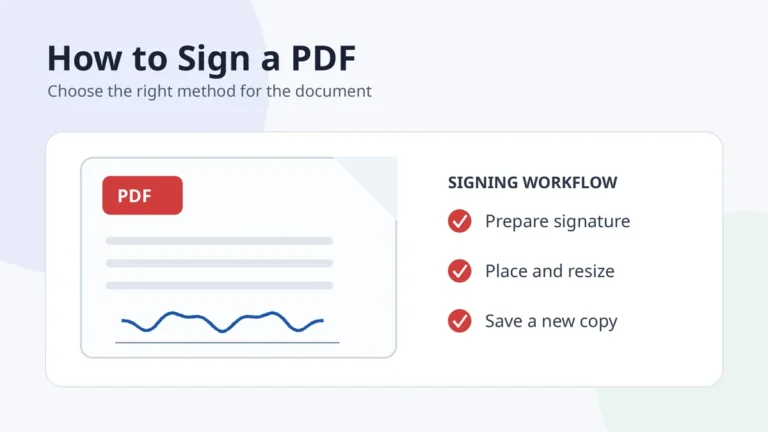
Learn how to sign a PDF document with a signature image, an online e-sign workflow or a certificate-based digital signature, plus final safety checks.

Learn how to create a signature by choosing a name format, building three drafts, testing normal-speed repetition and preparing a clean digital copy.

Turn a drawn or photographed handwritten signature into a sharp transparent PNG with clean edges, correct proportions and practical file quality.

Learn how to draw, type or upload a handwritten signature, download a clean transparent PNG, and choose a style you can reproduce comfortably.