Online Name Signature: 19 Ideas and Creation Methods
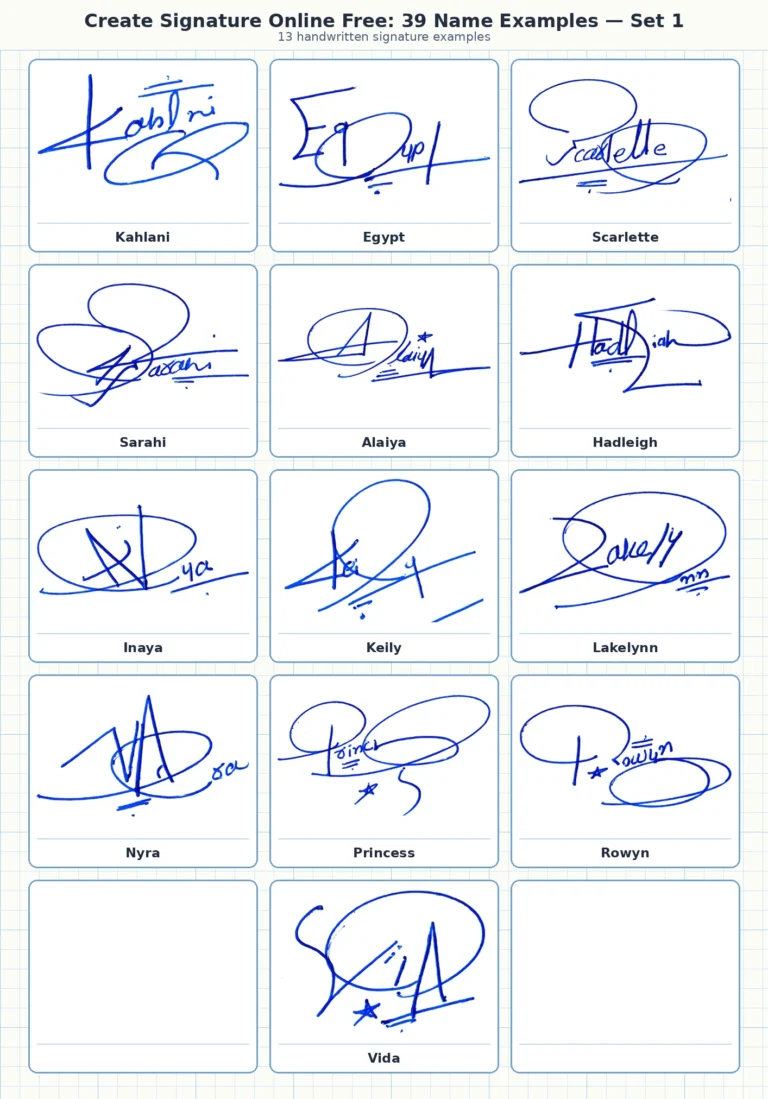
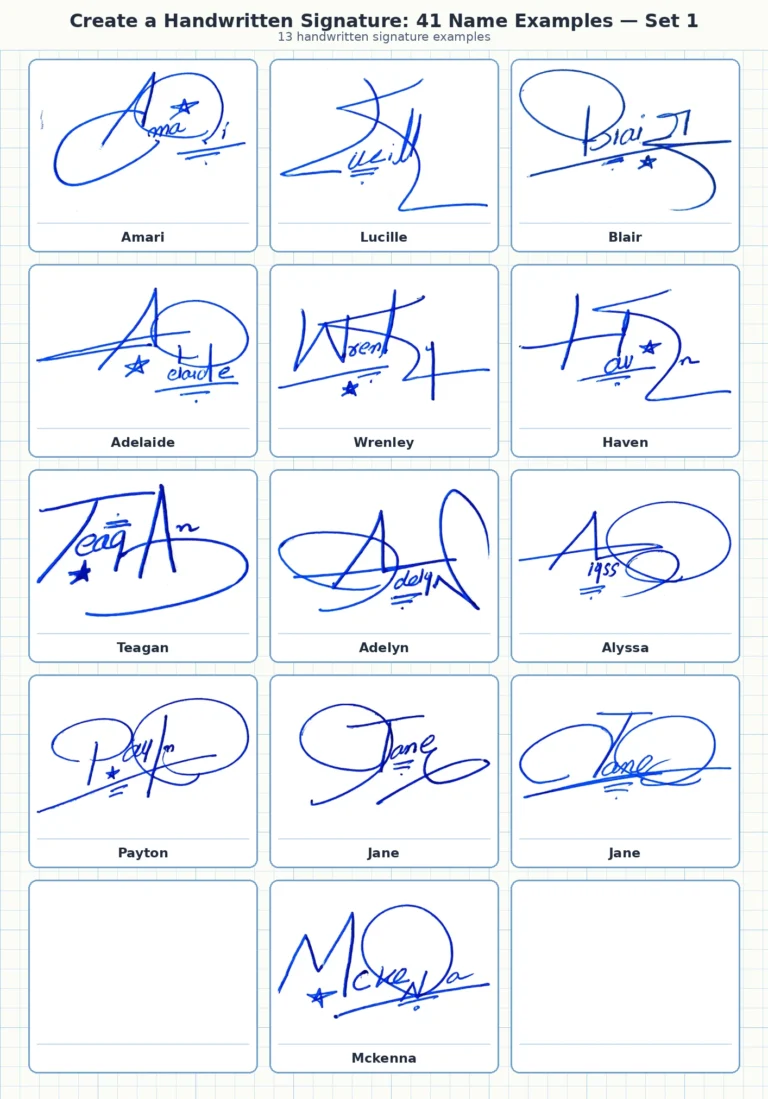
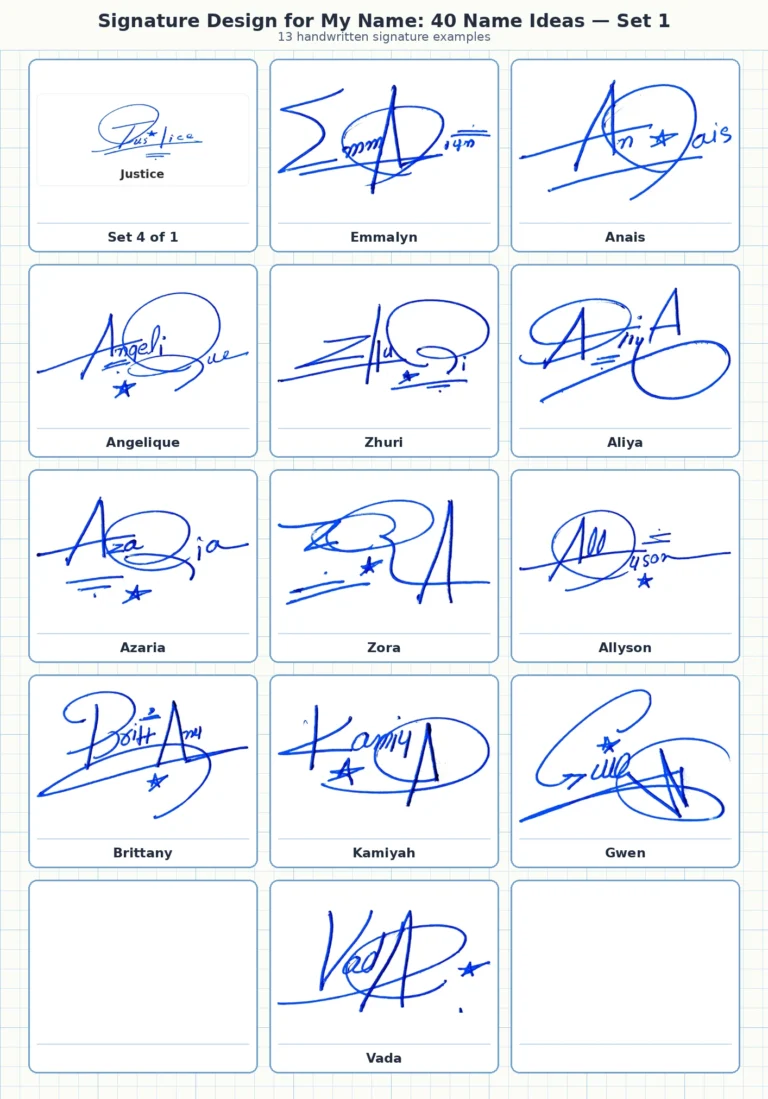
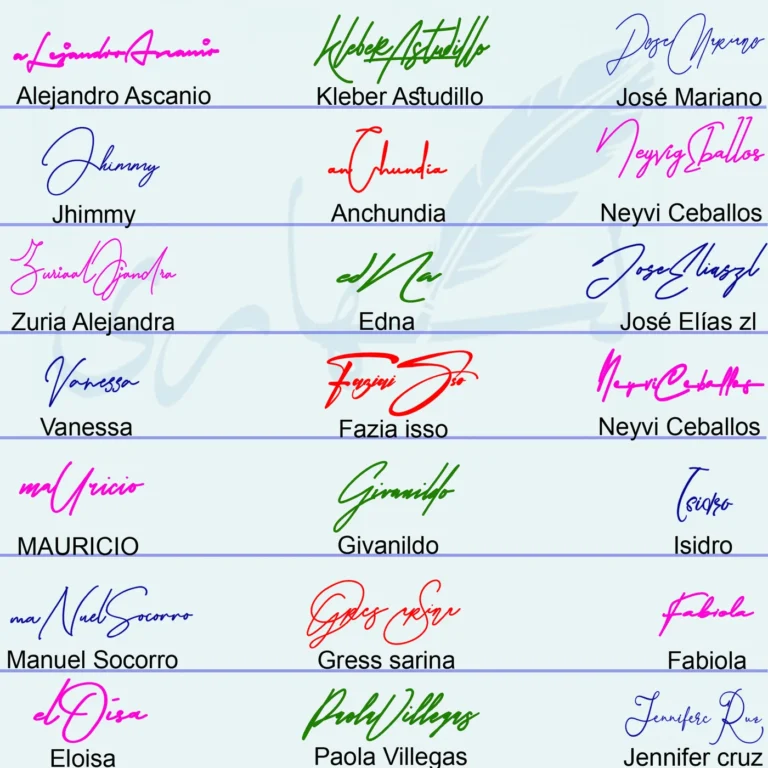
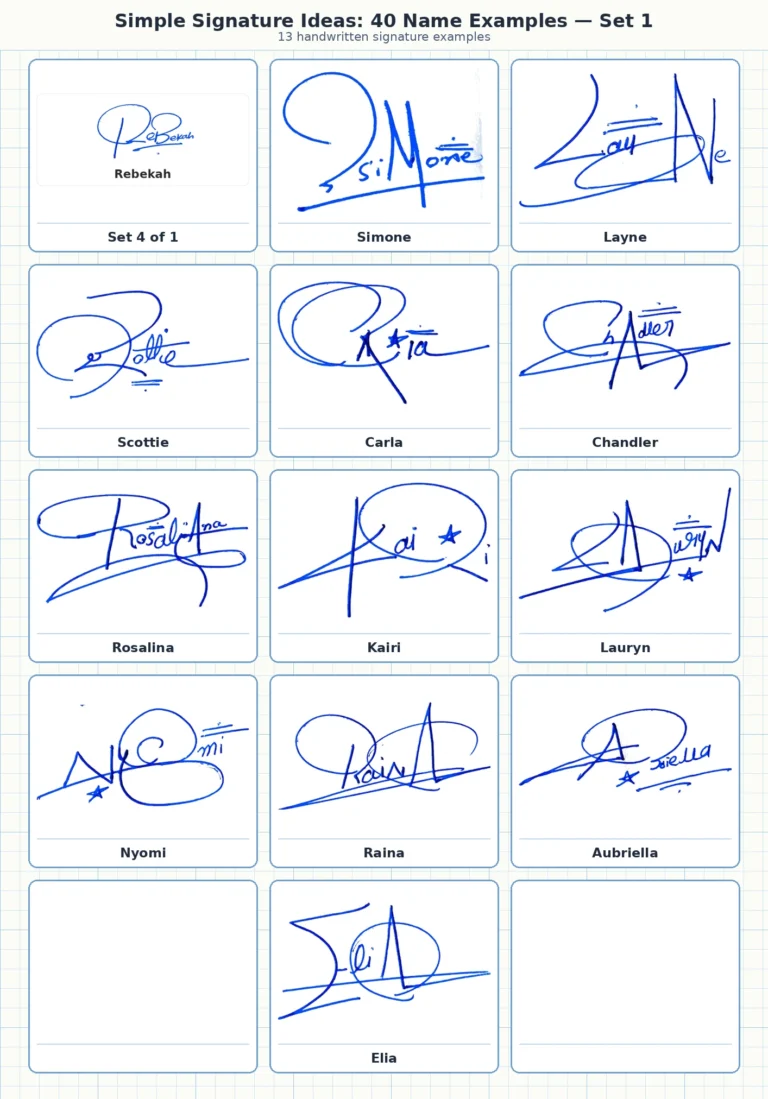
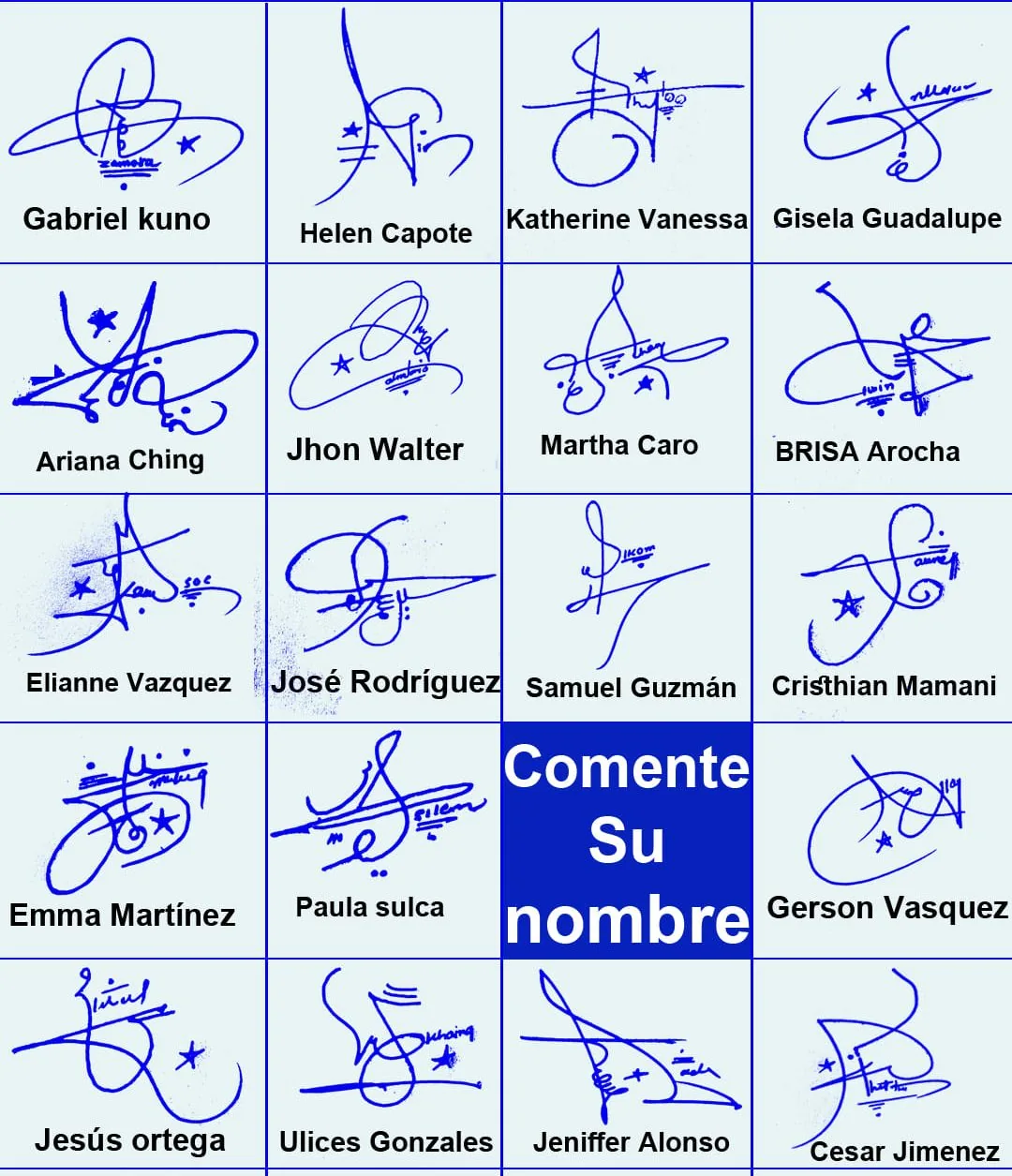
An online name signature can begin as a handwritten idea, a drawn signature or a typed preview—but the final result should still be clean, personal and easy to reuse. The 19 blue-ink examples below show abstract initials, long cross-strokes, stars, dots, loops and compact two-word structures that can inspire a name signature before you create its digital image.
This page is about creating a reusable image of a handwritten-style name signature. It is not about certificate-based digital signing. Use the visual ideas to design your own mark, then choose the online method that preserves the movement you actually want.
Create an online name signature
- Study the signature ideas
- Choose draw, type or upload
- Prepare a clean signature image
- Use the file carefully
What the 19 handwritten examples show
Large initials create an immediate focal point
Gabriel Kuno, Ariana Ching, Elianne Vazquez and Jesús Ortega use tall or wide opening strokes that dominate the composition. The remaining name is much smaller. This is a practical way to shorten a two-word name while keeping a distinctive beginning.
Horizontal strokes make compact names feel wider
Katherine Vanessa, Gisela Guadalupe, Martha Caro, Brisa Arocha and Samuel Guzmán use long cross-strokes or underlines. These lines balance tall initials and give the signature a clear direction. They work best when they come from an existing letter rather than floating separately.
Stars and dots are accents, not the main structure
Jhon Walter, Cristhian Mamani, Emma Martínez, Gerson Vasquez and Cesar Jimenez include stars or dot clusters. A small accent can make a design memorable, but it should be optional. If the signature fails without the symbol, the underlying letter structure is not strong enough.
Two-word names can be compressed into one silhouette
José Rodríguez, Paula Sulca, Ulices Gonzales and Jeniffer Alonso do not give both words equal space. Their initials and crossing strokes create one overall shape. That approach is useful online because a compact image is easier to place and resize.
Choose the right online creation method
| Method | Best when | Main limitation |
|---|---|---|
| Draw | You already have a hand movement you like | Mouse drawing can feel less natural than a pen or touchscreen |
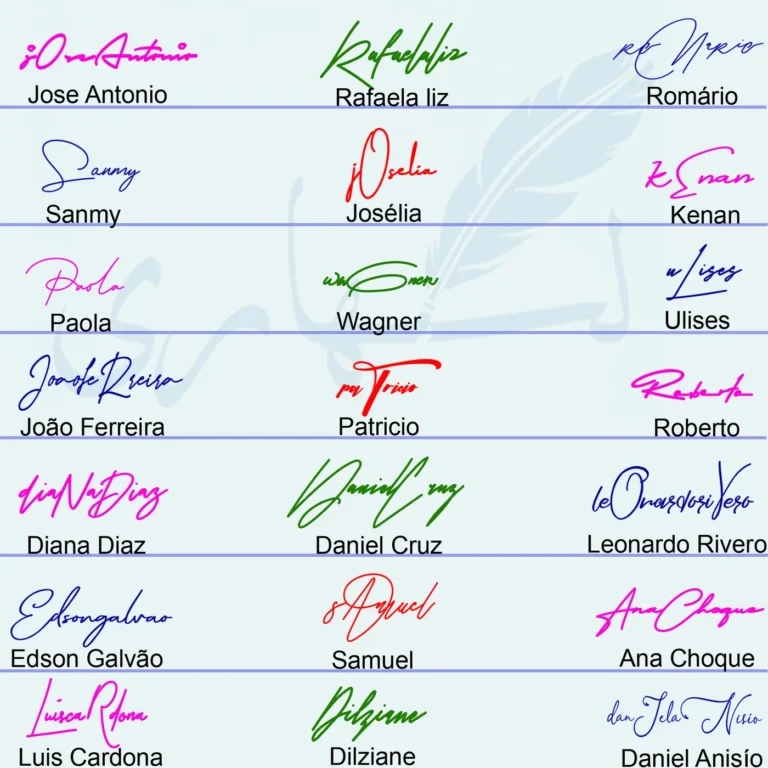
| Type | You want to compare script shapes quickly | A font preview may look polished but is not automatically your handwriting |
| Upload | You already sign well on paper | The photo or scan may need cropping and background cleaning |
For most people, the strongest workflow is to sketch on paper, refine the movement, then draw it on a touchscreen or upload a clean scan. Typing is useful for inspiration, especially when comparing capitals, but it should not be mistaken for a finished personal signature.
Prepare a clean online signature image
- Sign on plain white paper with dark ink. Leave space around the mark so it can be cropped cleanly.
- Photograph in even light. Avoid shadows, textured backgrounds and camera angles that distort the baseline.
- Crop close to the signature. Keep a small margin without leaving a large empty canvas.
- Remove the background carefully. Preserve thin strokes, dots and intentional gaps instead of applying aggressive cleanup.
- Save a transparent PNG or high-quality WebP where appropriate. Keep a private master file and create smaller copies for routine use.
- Test at small size. Check whether the main initial and finishing stroke remain visible when the image is reduced.
The guide to a clean transparent signature image explains the difference between preserving thin ink lines and over-cleaning them. For more visual references, compare the signature examples for your name.
Use your online signature file carefully
- Keep the original private: a reusable signature image should not be posted publicly at full quality without a reason.
- Use copies: create appropriately sized versions instead of repeatedly editing the master.
- Check the context: a visual signature image is different from a secure signing system that records identity and document changes.
- Avoid unknown upload services: use tools whose handling of uploaded images you understand.
- Do not imitate another person’s signature: use the gallery for construction ideas only.
Frequently asked questions
Should I draw or type my online name signature?
Draw when you want to preserve your own hand movement. Type when you only need to compare script shapes. Upload is best when you already have a strong paper signature.
What file format is best for a signature image?
A transparent PNG is widely useful for placing a signature over different backgrounds. A carefully compressed WebP can be efficient for web display, while the private master should retain enough quality for future edits.
Why do thin signature lines disappear after background removal?
The cleanup threshold may be too aggressive or the source photo may have low contrast. Start with dark ink, even lighting and a high-resolution crop, then preserve faint edges during cleanup.
Is an online signature image the same as a digital signature?
No. This article covers a visual image of a handwritten-style signature. Certificate-based digital signatures use different technology to verify identity and document integrity.
Single Signature Examples from This Collection
These individual handwritten signature images are included as supporting examples so visitors can compare one name at a time. Each caption preserves the name reference and makes it easier to study initials, loops, finishing strokes and overall signature flow.